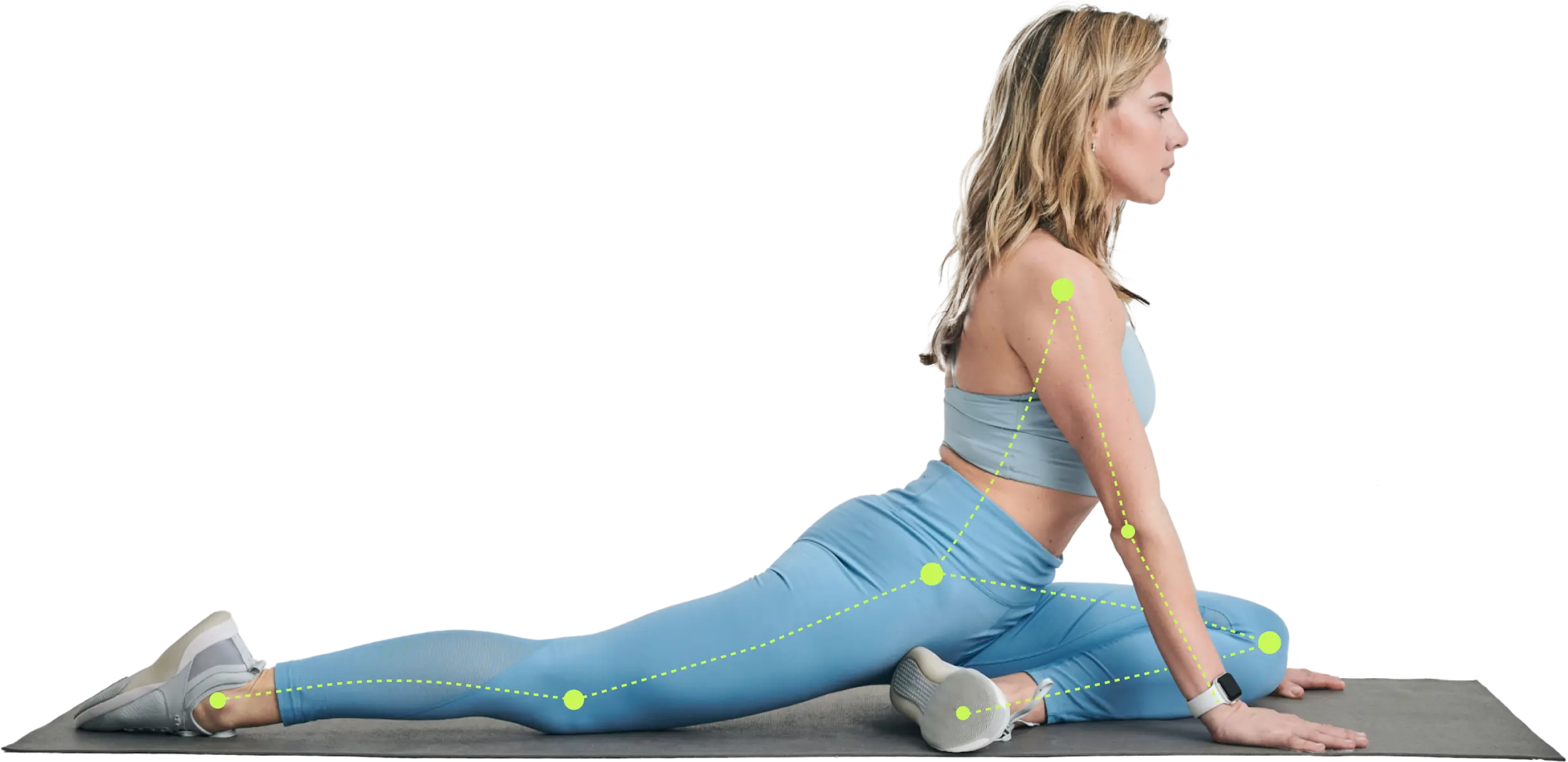
Unlock your fitness potential with Apple Health integration. Connect data for personalized plans & smarter apps.
Your phone probably knows more about your routine than your workout plan does.
It sees the days you crushed your step goal, the nights you slept badly, the morning your resting heart rate looked a little off, and the weekend hike that left your legs more tired than you realized. But if that information stays scattered across devices and apps, it can't help you make a smarter decision today.
That's where Apple Health integration becomes useful. It connects the dots between your activity, recovery, and health signals so your training plan can respond to your real life instead of guessing.
Your Health Data Has a Story to Tell
A lot of people already track more than they think. Your iPhone logs steps. Your Apple Watch tracks workouts, heart rate, sleep, and movement. Other apps may add nutrition, body weight, or mindfulness sessions. The problem isn't lack of data. It's lack of context.
If your training app only sees the workout you planned, but not the sleep you missed or the long walk you took yesterday, your plan stays static. That's how people end up doing a hard session on a low-energy day and wondering why motivation drops.
When disconnected data creates bad training decisions
Think about two versions of the same week:
- Without integration: your app schedules a tough interval workout because it's Tuesday.
- With integration: your app notices poor sleep, a higher-than-usual fatigue pattern, and recent activity load, then nudges you toward a lighter session or recovery work.
That shift matters. It helps you train with your body instead of against it.
Sleep is a good example. Many people know sleep affects performance, but they don't always know what to look for. A practical evidence-backed sleep guide can help you connect sleep habits with recovery, mood, and workout quality.
Practical rule: Better training decisions usually come from better timing, not just harder effort.
What this looks like in everyday fitness
Apple Health integration gives you one place where different signals can live together. That makes it easier for an app to spot patterns such as:
- Low sleep plus hard training: a sign you may need to dial intensity back
- Improving resting trends: a clue that your recovery routine is working
- Inconsistent activity: a reminder that progress isn't only about gym sessions
If you want a clearer picture of whether your effort is moving you forward, this guide on how to track fitness progress can help you focus on trends instead of random daily fluctuations.
Your data already has a story. Apple Health integration helps translate it into action.
What Is Apple Health Integration
Apple Health integration is easiest to understand if you think of Apple Health as a secure digital filing cabinet on your iPhone. Different devices and apps can place information inside it, but you decide who gets access to each drawer.
That design is different from many cloud services people are used to. Instead of acting like a big shared online database, Apple Health is built around your device and your permissions.

What kinds of data can sit inside Apple Health
Apple Health can organize several categories of personal health and fitness information in one place. Common examples include:
- Activity data: steps, walking distance, workouts, exercise minutes
- Heart metrics: heart rate and other heart-related trends collected by supported devices
- Sleep information: time asleep, time in bed, and sleep-related trends
- Body measurements: weight and other body stats from connected apps or smart devices
Apple said the Health app could share data such as heart rate, detected falls, sleep hours, and exercise minutes, and it also said its Health app uses SMART on FHIR to integrate with electronic health records in its Health Records API announcement.
Why the hub model matters
A hub is useful because health data becomes more meaningful when it isn't isolated. One workout doesn't say much by itself. One rough night of sleep doesn't either. Put those signals together over time, and patterns start to emerge.
That's also why Apple Health has become relevant beyond fitness trackers alone. One study noted that its integration capabilities had reached more than 500 health systems by 2022, allowing users to consolidate clinical records alongside daily activity and wellness data in one place, according to JMIR.
Apple Health works best as a personal dashboard, not just a step counter.
Even small details can make people use wearables more consistently. If you're someone who wears an Apple Watch daily for activity and workout tracking, comfortable accessories like premium Apple Watch straps can make that habit easier to keep.
What integration means in plain language
When an app offers Apple Health integration, it usually means one or both of these things:
| Integration type | What it means for you |
|---|---|
| App reads Apple Health data | The app can use your selected health signals to personalize recommendations |
| App writes to Apple Health | Workouts or health entries from the app can appear inside Apple Health |
The key point is simple. Apple Health isn't the workout coach by itself. It's the organized data layer that helps other apps make better decisions, while you stay in control.
Key Benefits of Connecting Your Health Data
The main reason to connect Apple Health isn't convenience alone. It's better decisions.
When your app can see the difference between a well-rested day and a depleted one, your plan starts to feel less generic. That's the key payoff.

Smarter workout personalization
A fixed workout plan assumes every Tuesday is the same. Real life doesn't work that way.
If your recent activity shows a long run, a tough lifting session, or a busy weekend with lots of movement, a connected app can avoid stacking too much stress on top. Instead of asking, "What's on the calendar?" it can ask, "What can your body handle today?"
Before integration, a plan might push intensity because that's what the template says. After integration, it can adjust based on the signals your body has already produced.
A clearer view of progress
Progress is commonly assessed too narrowly. This often entails focusing solely on scale weight, or on the completion of a workout.
Connected health data gives you a broader picture. You can look at training alongside sleep, workout consistency, and body metrics instead of relying on one number. That's especially useful if your goal is fat loss, since progress often shows up in more than one place. If you're comparing options, this guide to the best fitness tracker for weight loss breaks down what to watch for.
Better recovery decisions
Recovery is where many people guess. They either push through everything or rest too often without a clear reason.
Health data can make recovery feel less random. If an app sees poor sleep, lower readiness, or signs that your recent load has been high, it can suggest mobility work, easier cardio, or a lower-volume strength day instead of another max-effort session.
Recovery isn't skipped training. It's part of training.
A good plan doesn't just tell you when to work harder. It also helps you recognize when your body will benefit more from backing off. That's often what keeps consistency alive over months, not just days.
How to Connect Zing Coach to Apple Health
Connecting a fitness app to Apple Health is usually simple, but people often get stuck at the permissions screen because it looks more technical than it really is. The important thing to know is that you stay in control of each data type.
From a technical implementation standpoint, all Apple HealthKit data access is strictly confined to the user's native device, such as an iPhone or Apple Watch, via a compiled application. All data access requires the user to explicitly grant granular permission for each specific HealthKit category.

The setup steps
Open the app settings
In your fitness app, look for settings, profile, or connected apps. In many apps, Apple Health sits under integrations or permissions.
Choose Apple Health
Tap the Apple Health option to start the connection. iOS will then open Apple's permission screen.
Review read and write permissions
You'll usually see categories the app wants to read, write, or both. Reading lets the app use selected data. Writing lets the app save things like workouts back to Apple Health.
Pick your sharing level
You can tap Turn On All if you're comfortable with the full setup, or enable categories one by one if you want more control.
Confirm and return to the app
Once you approve access, the app should return to its settings screen and show that Apple Health is connected.
What the permissions screen is really asking
This part confuses people because the list can be long. But each item is straightforward.
- Workout data: lets the app read completed sessions or write new ones
- Activity metrics: may include movement-related data used to understand daily load
- Sleep and recovery signals: can help an app avoid giving you a hard session on a rough day
- Body data: may support progress tracking over time
If you're looking for an app category designed around adaptive planning, a personalized workout plan app usually makes the most of these permissions because it can connect training decisions to recovery and activity patterns.
Grant only the categories you want. If you change your mind later, you can edit access in the Health app.
How to check that it worked
After setup, open the Health app and look under your app permissions or data sources. You should see the connected app listed there. If it appears, the integration is active.
If workouts or metrics don't show up immediately, don't panic. Some data appears after the next sync, the next workout, or the next time the app refreshes on your phone.
How Zing Coach Adapts Your Plan with Health Data
A connected plan becomes useful when it reacts to what you've already done, not just what you intended to do.
Say you went on a long hike over the weekend. Your legs feel fine on Monday morning, but your total workload is still higher than usual. If your app can see that activity through Apple Health, it has more context before assigning your next lower-body session.

A realistic week of adjustments
On Tuesday, you sleep badly. Wednesday morning, your body still hasn't bounced back. A smart system doesn't need dramatic warning signs to know that your ideal session might have changed.
Instead of pushing a demanding workout because the schedule says so, it can steer you toward a shorter session, lower volume, easier conditioning, or active recovery. That makes training feel more personal and less punishing.
This is one place where tools such as Zing Coach fit in. It uses Apple Health activity data to help adjust training based on what your body and routine are already showing.
How the data maps to decisions
Here is a practical way to think about it.
| Apple Health Data Type | What It Tells Us | How Zing Adapts Your Plan |
|---|---|---|
| Workouts | What training or activity you've already completed | Avoids stacking similar stress on back-to-back days |
| Sleep Analysis | Whether you've likely recovered well or not | Can shift you toward a lighter or recovery-focused session |
| Heart Rate trends | How your body may be responding to recent load | Helps guide intensity and pacing decisions |
| Active Energy or activity load | How demanding your recent days have been | Adjusts volume so your plan matches your real week |
| Weight | A body trend that may support training or nutrition context | Helps keep your plan aligned with your current goal |
Why this feels different from a static plan
Static plans are clean on paper and messy in real life. They don't know about your extra walk, your poor sleep, or the workout you logged somewhere else.
A connected plan can treat those signals as useful context. That doesn't mean every bad night changes everything. It means the plan has a better chance of meeting you where you are, which is usually what keeps people consistent long enough to see results.
Your Data Your Control Privacy and Troubleshooting
The privacy question matters because health data is personal. Apple Health integration works differently from many online platforms, and that difference is the reason many users feel more comfortable connecting it.
Many guides under-explain that Apple HealthKit is on-device first and has no public backend API. All data sync must be triggered by a native iOS app with explicit user consent for each data type, a design that fundamentally shapes product architecture and ensures user privacy, as explained in this overview of what you can and can't do with Apple HealthKit data.
Why the privacy model helps you
In plain language, companies can't just log into some public Apple Health cloud and pull your information whenever they want. Your iPhone acts as the gatekeeper.
That setup changes the tradeoff. It can make product design more restrictive for developers, but it gives you stronger control. You decide which categories an app can access, and you can revoke that access later.
If you want to review how app data is handled more broadly, it's smart to read the privacy policy of any fitness app before connecting health data.
Your phone is the checkpoint. Permission isn't assumed, and access isn't open-ended.
Quick fixes when syncing goes wrong
Most syncing issues come down to a few common causes:
- Permissions weren't enabled: Open the Health app, find the connected app, and check whether the needed categories are allowed.
- The app hasn't refreshed yet: Reopen the app on your iPhone and give it a moment to sync after a workout or settings change.
- A workout is missing: Confirm the workout was saved by the original app or device first. If it never reached Apple Health, another app can't read it from there.
If the connection still looks off, disconnecting and reconnecting the integration often clears up stale permission states.
If you want a workout plan that responds to your activity, recovery, and real schedule instead of following a rigid template, try Zing Coach. It builds personalized training plans, supports Apple Health integration, and uses your inputs to help keep workouts realistic, adaptive, and easier to stick with.
Share this article


Authors